Meta Quest 3: Difference between revisions
(Added information about Quest 3) |
m (Spell check) |
||
| Line 5: | Line 5: | ||
{| class="wikitable" | {| class="wikitable" | ||
!Type | !Type | ||
! | !Quantity | ||
!Risk Assessment | !Risk Assessment | ||
|- | |- | ||
Latest revision as of 10:32, 27 October 2025

The Meta Quest 3 is a standalone Mixed Reality Headset. The successor to the Quest 2, this headset features improved colour passthrough enabling MR experiences. You will need to setup a Meta/ facebook login in order to use this headset
Specifications
| Type | Quantity | Risk Assessment |
|---|---|---|
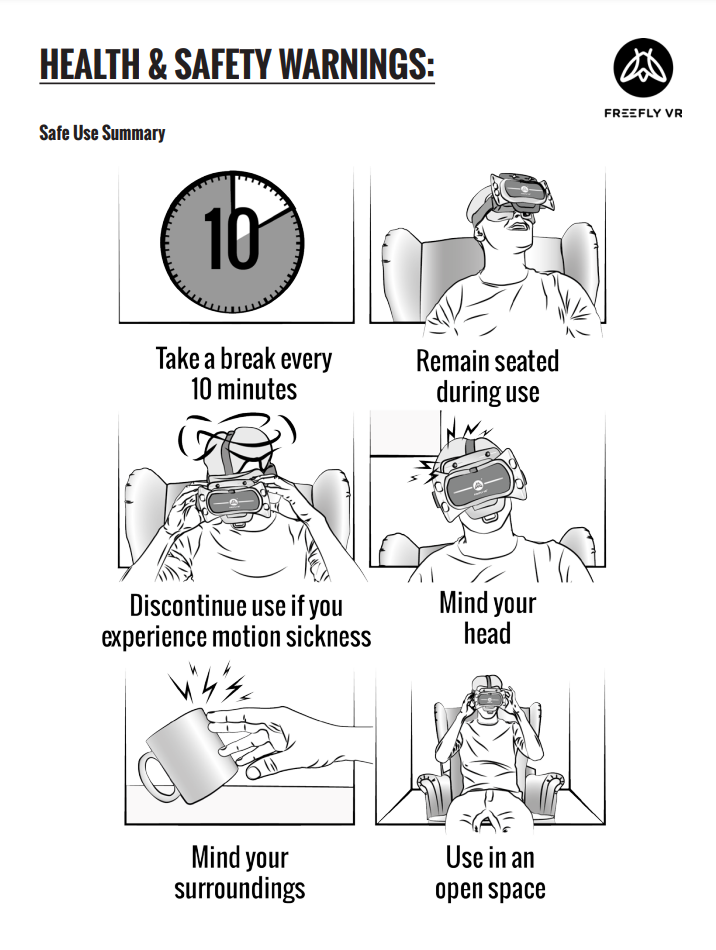
| Quest 3 | 2 | None but you are required to read the following safety warnings. |
Equipment List
| Equipment | Quantity | Notes |
|---|---|---|
| Headset | 1 | Headset must be cleaned after use. |
| Controllers | 2 | Each controller comes with batteries. |
| Case | 1 | For storing all equipment. |
| USB-C Cable | 1 | Connects headset to PC. |
| Glasses spacer | 1 | To allow users with glasses to wear the headset. |
| USB-C to USB 3.0 | 1 | Not all computers have a USB-C plug so an adapter is provided. You may experience some latency by using the adapter. |
Documentation
The Meta Quest 3 offers two development options: standalone and PC VR. In standalone mode, you can create immersive experiences that run directly on the headset, while PC VR allows you to stream content from a compatible PC for better performance and advanced graphics. Both options support the OpenXR pipeline, giving you a flexible, open standard for building cross-platform applications that can run on multiple VR devices. This makes it easier to reach a broader audience with your projects.