Oculus Quest 2: Difference between revisions
m (1 revision imported) |
Amy.Hickman (talk | contribs) m (add cat) |
||
| (3 intermediate revisions by 3 users not shown) | |||
| Line 1: | Line 1: | ||
[[File:Oculus Quest 2.jpg|thumb|Meta Quest 2 created by Oculus with controllers.]]The Oculus Quest 2 is a standalone VR headset that allows you to view and interact with virtual experiences with or without a computer. Little physical setup is required. | [[File:Oculus Quest 2.jpg|thumb|Meta Quest 2 created by Oculus with controllers.]]The Oculus Quest 2 is a standalone VR headset that allows you to view and interact with virtual experiences with or without a computer. Little physical setup is required. | ||
[[File:Test PDF.pdf|thumb]] | |||
== Specifications == | == Specifications == | ||
| Line 24: | Line 25: | ||
|Controllers | |Controllers | ||
|2 | |2 | ||
|Each controller comes with | |Each controller comes with batteries. | ||
|- | |- | ||
|Case | |Case | ||
| Line 56: | Line 57: | ||
* [https://www.youtube.com/user/oculusvr Oculus YouTube] | * [https://www.youtube.com/user/oculusvr Oculus YouTube] | ||
* [https://dbemakers.github.io/assets/images/equipment/Health%20and%20Safety%20Guide.png Health and Safety Guide] | * [https://dbemakers.github.io/assets/images/equipment/Health%20and%20Safety%20Guide.png Health and Safety Guide] | ||
[[Category:Virtual Reality]] | |||
[[Category: | |||
Latest revision as of 15:35, 16 September 2026

The Oculus Quest 2 is a standalone VR headset that allows you to view and interact with virtual experiences with or without a computer. Little physical setup is required.
Specifications
| Type | Quatity | Risk Assessment |
|---|---|---|
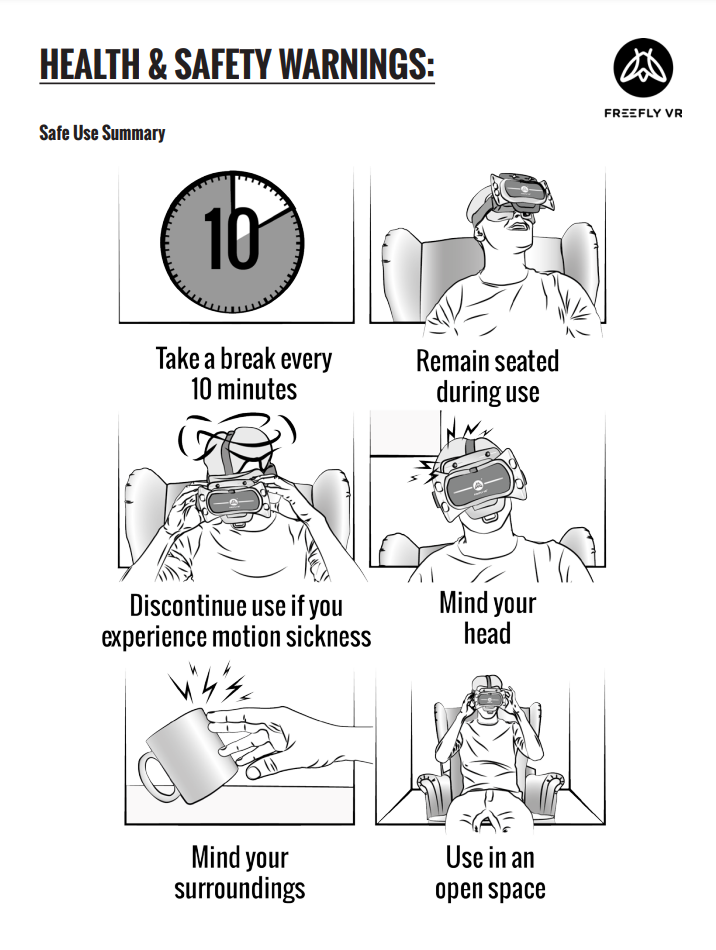
| Quest 2 | 10 | None but you are required to read the following safety warnings. |
Equipment List
| Equipment | Quantity | Notes |
|---|---|---|
| Headset | 1 | Headset must be cleaned after use. |
| Controllers | 2 | Each controller comes with batteries. |
| Case | 1 | For storing all equipment. |
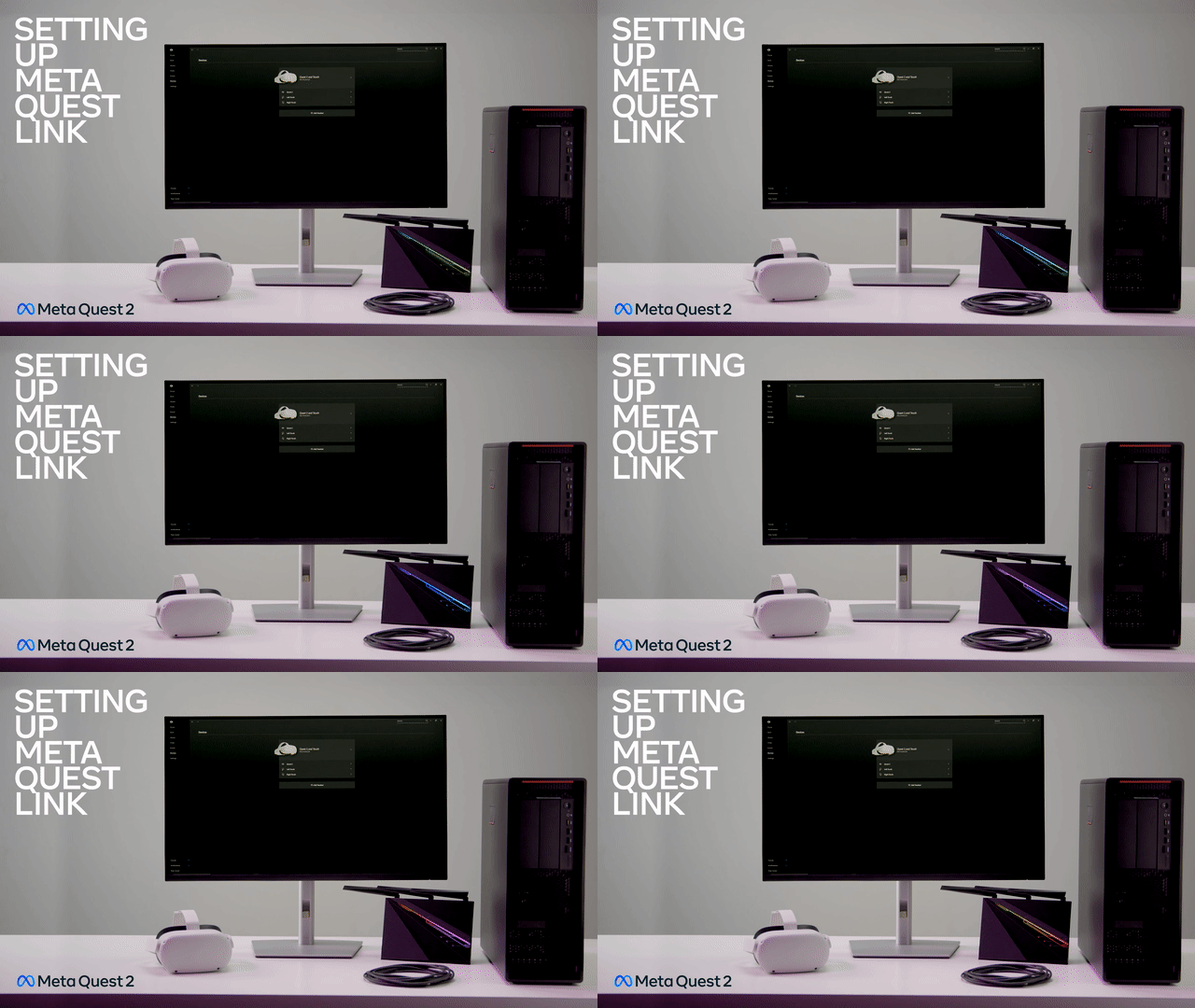
| USB-C Cable | 1 | Connects headset to PC. |
| Glasses spacer | 1 | To allow users with glasses to wear the headset. |
| USB-C to USB 3.0 | 1 | Not all computers have a USB-C plug so an adapter is provided. You may experience some latency by using the adapter. |
Documentation
If you are connecting the Oculus headsets to the B418 lab computers, you must first connect the headset to the computer, turn on the headset and then open the Oculus app on the PC.